Mac firewall guides
nsurlsessiond and cloudd: which app is behind them
nsurlsessiond and cloudd are macOS daemons. A firewall row names the process that owns the connection. nsurlsessiond performs tasks for background-configured NSURLSessions. cloudd is the daemon backing CloudKit. The app that asked for the work can go by a different name.
Updated


Step by step
- Read the manual page. On the Mac, run man nsurlsessiond and man cloudd. Each page is short. It says what that daemon is for, and that you should not start it yourself.
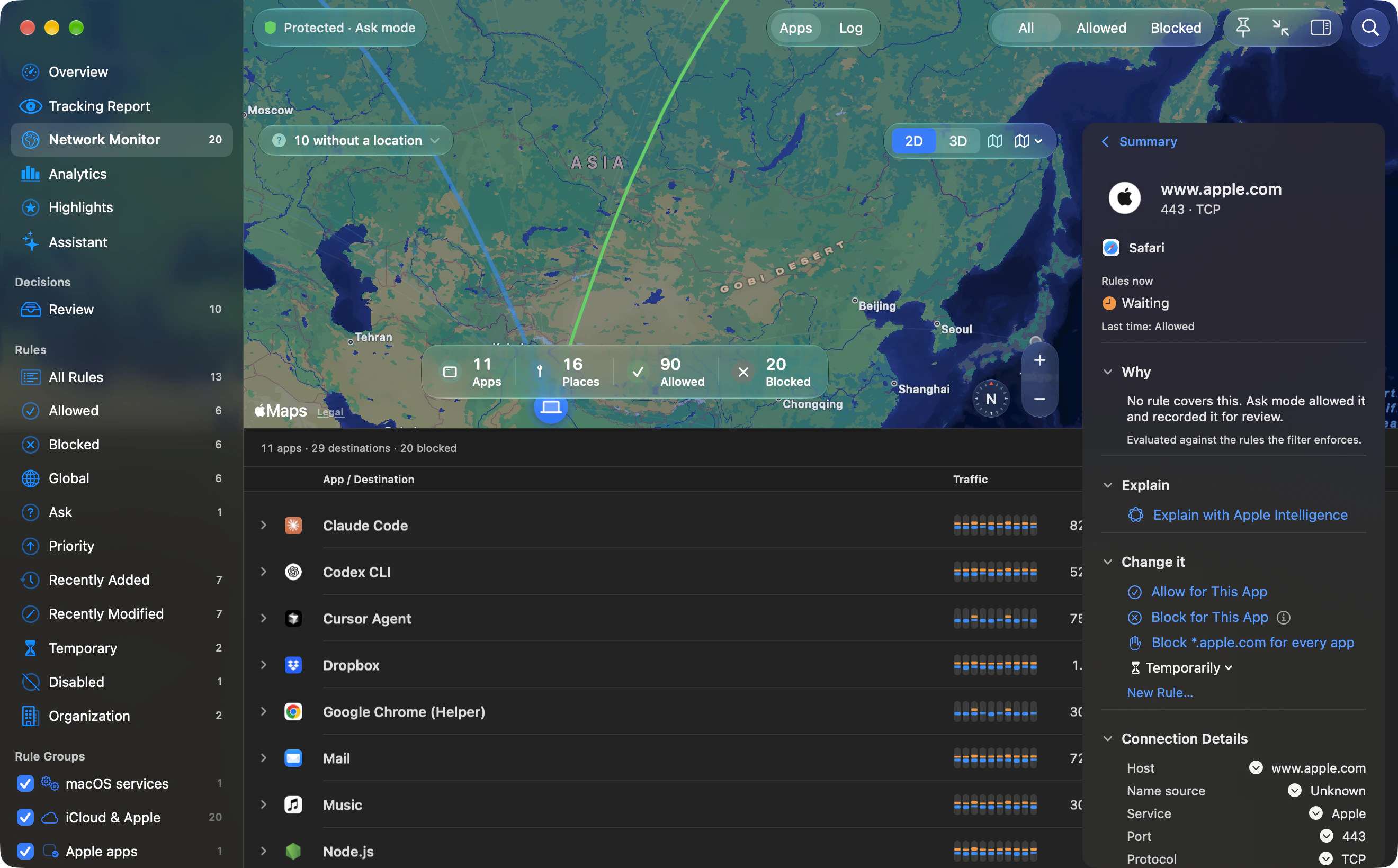
- Find that process in the monitor. Search app:nsurlsessiond or app:cloudd. The row is that daemon’s connection: host, port, protocol and byte counts. If the search finds nothing, that only tells you about this Mac.
- Keep the app's own sockets separate. The same app can also connect under its own name. The nsurlsessiond manual is about background-configured NSURLSessions, not every connection the app makes.
- Do not block the daemon to silence one app. A block rule on nsurlsessiond or cloudd applies to that process. Both daemons do work for more than one app, so you have not isolated the app you launched.
- Remove the rule if sync or downloads stop. Delete the new rule, or use Help, then Something Not Working?, which lists recent blocks with a one-click Allow. If the Mac is still offline, turn the filter off in System Settings, then Network, then Filters.
What the manuals say
The nsurlsessiond(8) manual says nsurlsessiond is a per-user daemon that performs tasks for background-configured NSURLSessions, that it has no configuration options, and that you should not run it manually. Run man nsurlsessiond for the copy on your Mac. Apple’s HTML page for the URL Loading System says only "This page requires JavaScript". The Markdown copy of that page says you can configure a session to run in the background so that, while the app is suspended, the system can download data on its behalf and wake the app with the results. That Markdown does not use the name nsurlsessiond.
The cloudd(8) manual says cloudd is the system daemon backing the CloudKit feature, and that users should not run it manually. Run man cloudd. Apple’s CloudKit Markdown says the framework moves data between your app and your iCloud containers so the user can reach it on more than one device.
Why the row is the daemon
Outbound’s features page says the Network Monitor lists connections under the app they belong to. It also says macOS services, iCloud and Apple’s own apps are trusted from the start, matched by Apple’s signature and by where macOS keeps them, so a copy of an Apple tool somewhere else is still asked about. The features page does not describe a via field that names another app behind nsurlsessiond or cloudd. The name on the row is the process that made the connection.
How to attribute a row
Use the manual to see which job that daemon has, then the monitor to see the host. Activity Monitor’s Network view shows byte totals per process, not the destination. nettop is the other built-in view; man nettop on your Mac is the reference for its flags. To connect a daemon row with an app, compare the time with the app you were using and with that app’s own note of CloudKit or background downloads. We didn’t test any third-party app for this page.
Why a block is wider than one app
A block rule on nsurlsessiond blocks the process that performs background NSURLSession tasks. A block rule on cloudd blocks the process that backs CloudKit. Either rule hits that shared work, not one app’s own process. Background downloads and iCloud container sync are the jobs those descriptions name, so the block can stop them for every app that uses the daemon. Outbound trusts macOS services and iCloud from the start, which is why they do not raise the usual alert. That trust is not a block rule. If you add a block rule and sync or downloads stop, remove that rule before you change anything else.
The Outbound steps are written for Outbound 1.4.2 and its command-line help. Download Outbound. Sources for other products and for macOS are linked where they’re used.