Outbound for Mac
Press
Outbound is an outbound application firewall for Mac. It lets people choose which apps can connect, and to which hosts.
Product facts
- Name: Outbound for Mac.
- Category: outbound application firewall.
- Requirements: macOS 14 or later, Apple silicon and Intel.
- Personal licence: $39 USD one time, $29 for the first 50 licences, including all 1.x and 2.x updates.
- Family licence: $59 USD for 5 Macs.
- Teams: per-seat yearly licensing with MDM. Contact us for pricing.
- Version 1.0. No trial; a personal licence covers 2 Macs. Download: outboundfirewall.com/download/.
- Closed source. Uses the Mozilla Public Suffix List under MPL-2.0.
Boilerplate
Outbound is a Mac application firewall with per-app and per-host rules, connection alerts, a searchable network monitor, profiles and blocklists. It uses Apple’s Network Extension content filter without a kernel extension or DNS proxy. The app includes outboundctl for command-line control and MDM tools for managed rule feeds and audit export. Outbound requires macOS 14 or later.
App icon

Download 1024 × 1024 PNG · Download 1200 × 630 social image

Screenshots
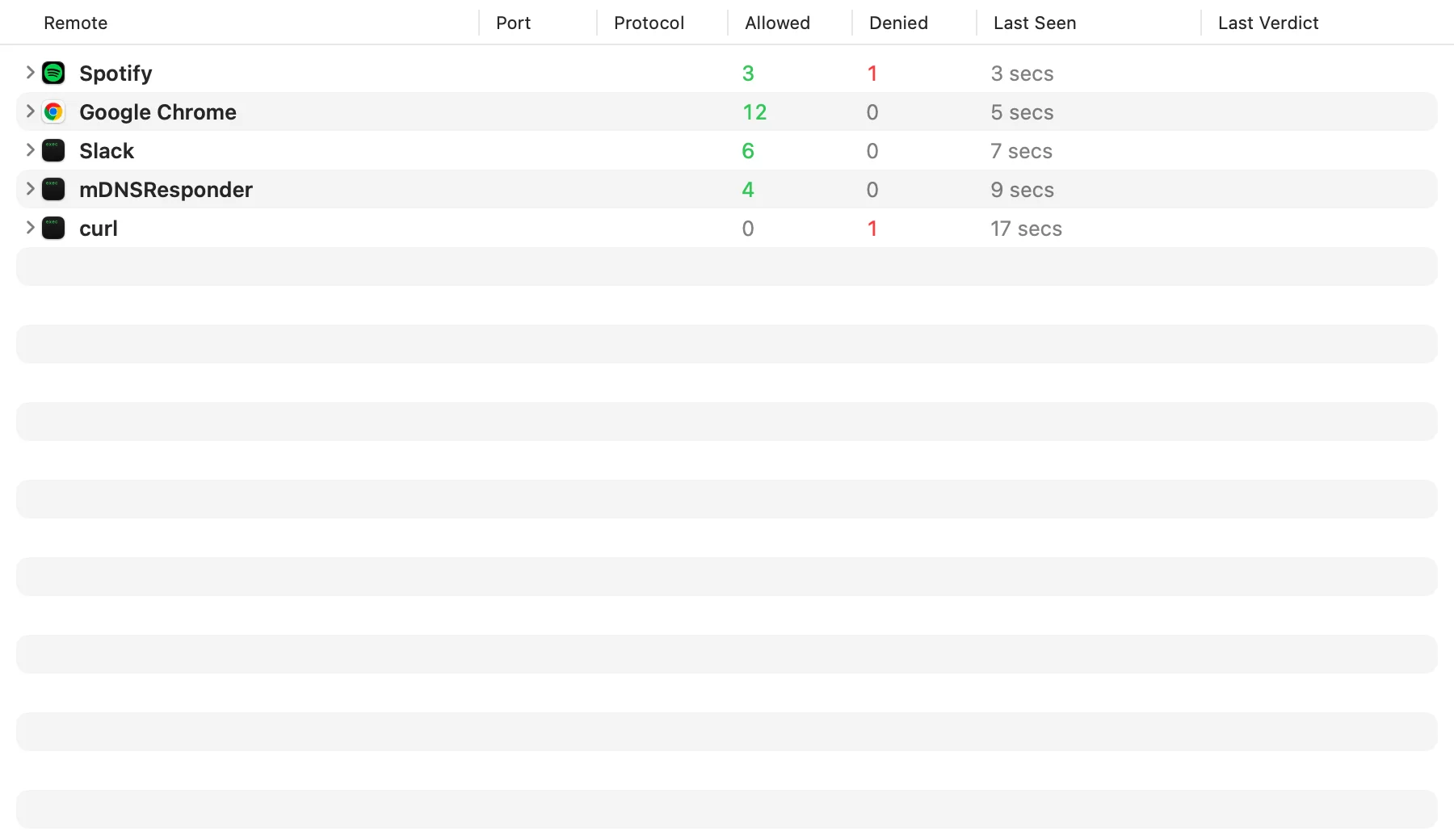
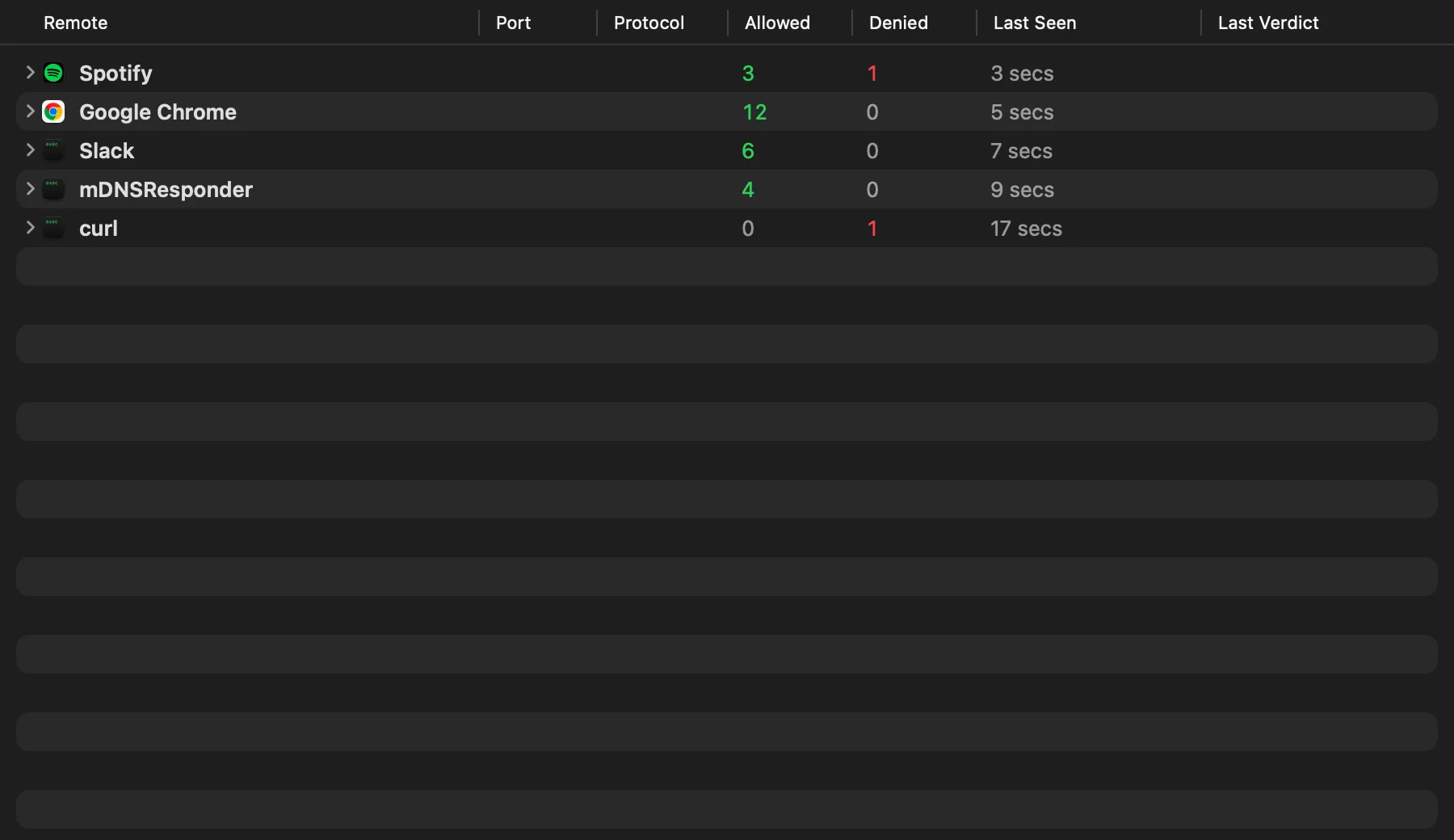
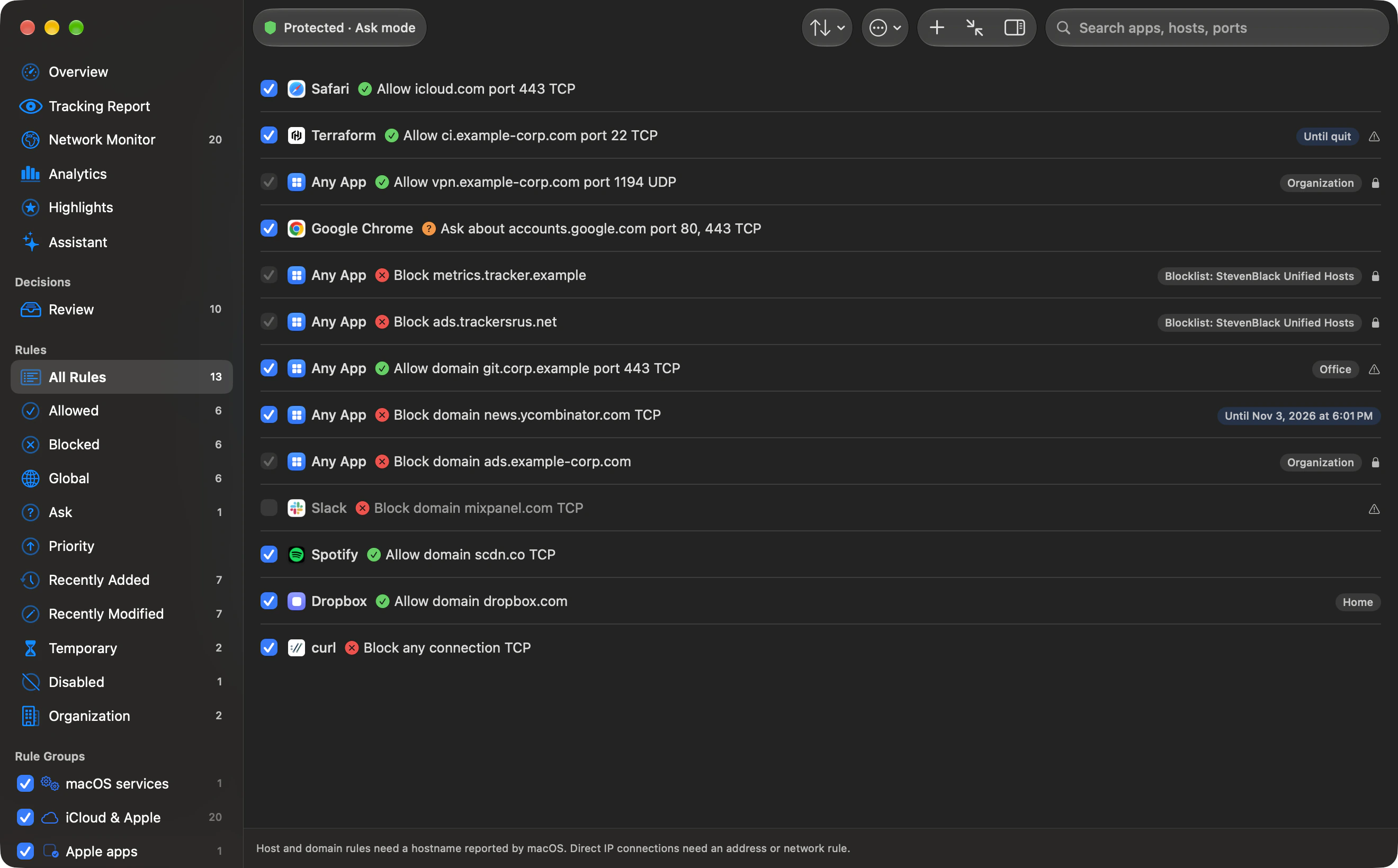
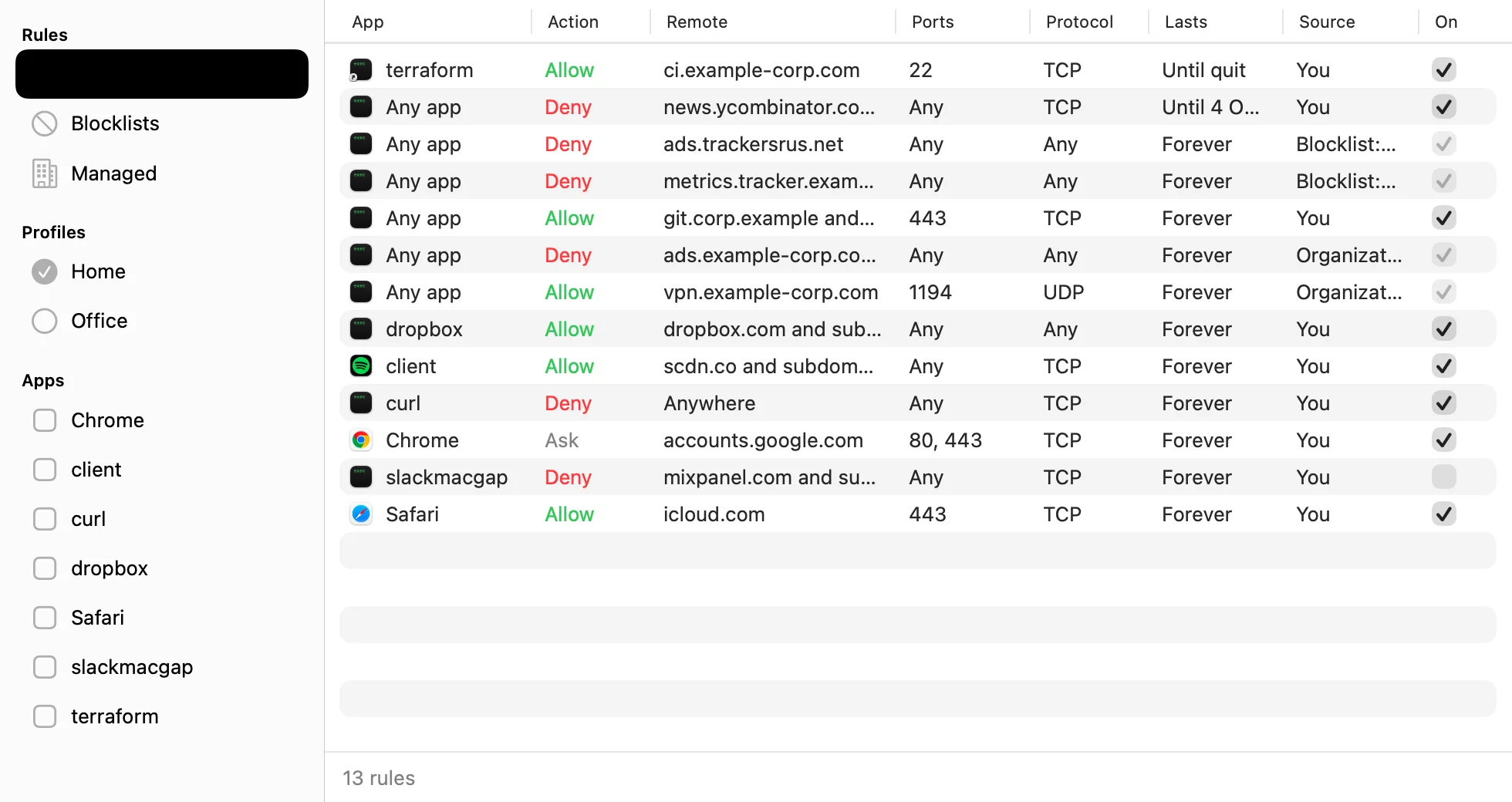
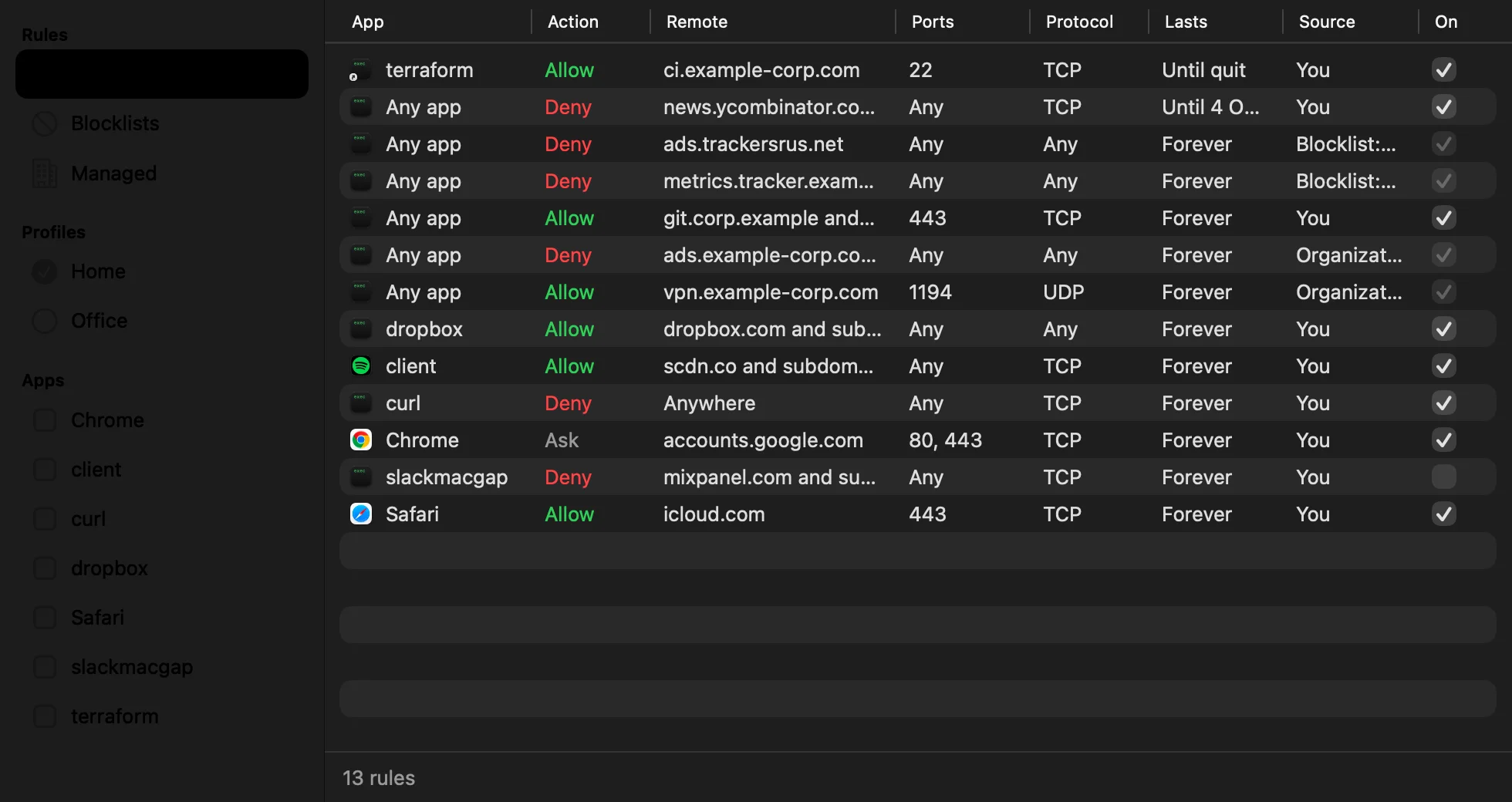
These are renders of development UI with example data. They are not live traffic captures or proof of release compatibility. The interface is being redesigned.
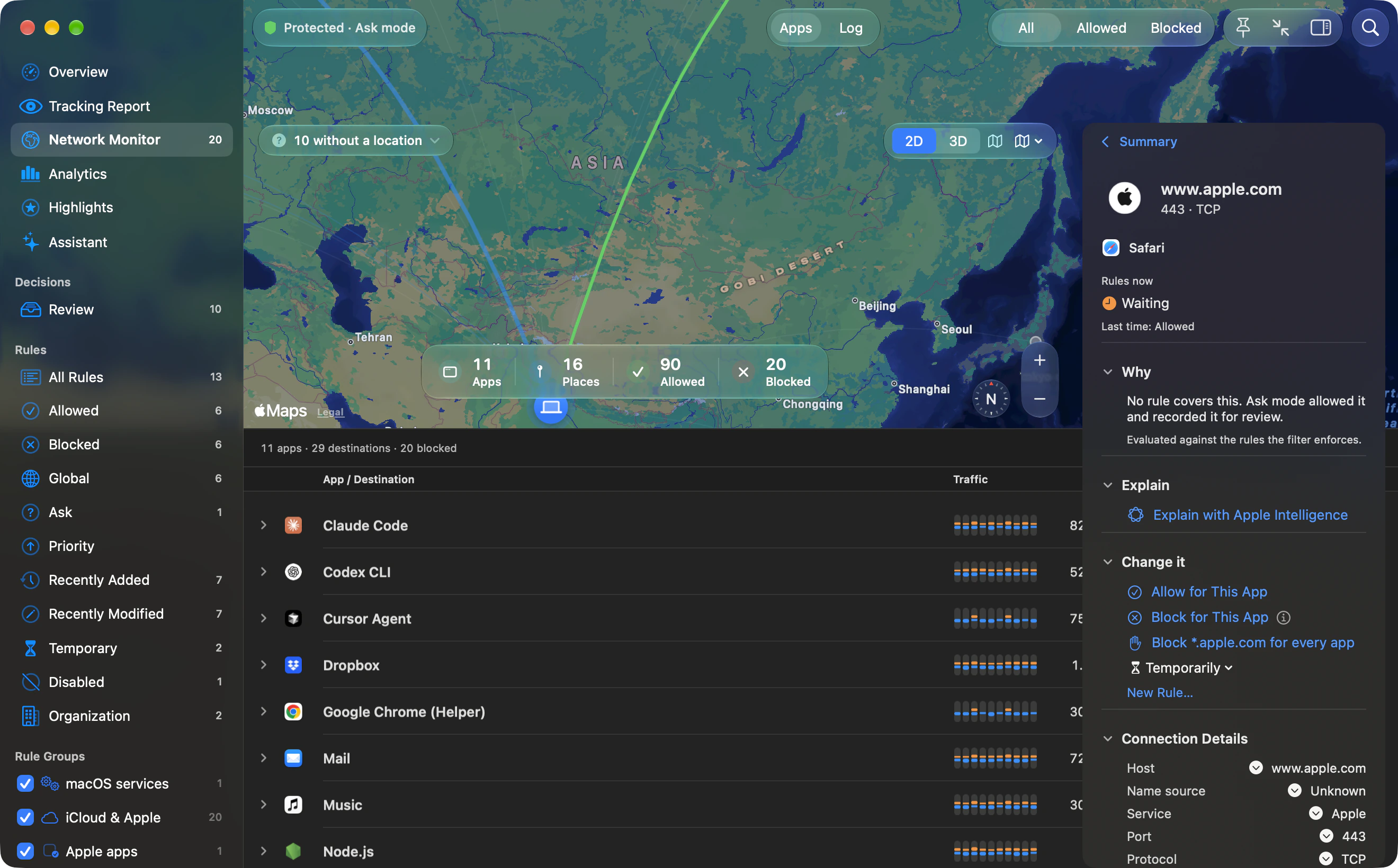
Monitor: light · Monitor: dark
Reporting the alert behavior
In Ask mode, unanswered connections are allowed after 8 seconds for UDP or 60 seconds for TCP by default, then added to Review. You can change the wait (15–120 seconds for TCP) or have unanswered connections blocked. Strict mode blocks unmatched connections. Please include this distinction when describing alerts.
Press contact
support@outboundfirewall.com. You may use these assets for coverage of Outbound. Do not imply Apple endorsement or present development UI as a shipping release.